◐ Multiplexer TUI redesign
Worktrees
Give each branch its own tabs and terminals. Create worktrees in Muxy, or pick up ones you already made.
Lightweight terminals for every project.
Splits, tabs, and Git. Extend it your way.
Available on macOS, Linux, Android & iOS
Your terminals keep running. Close the window or quit the app, and your terminal sessions stay alive. Reopen Muxy to pick up where you left off.
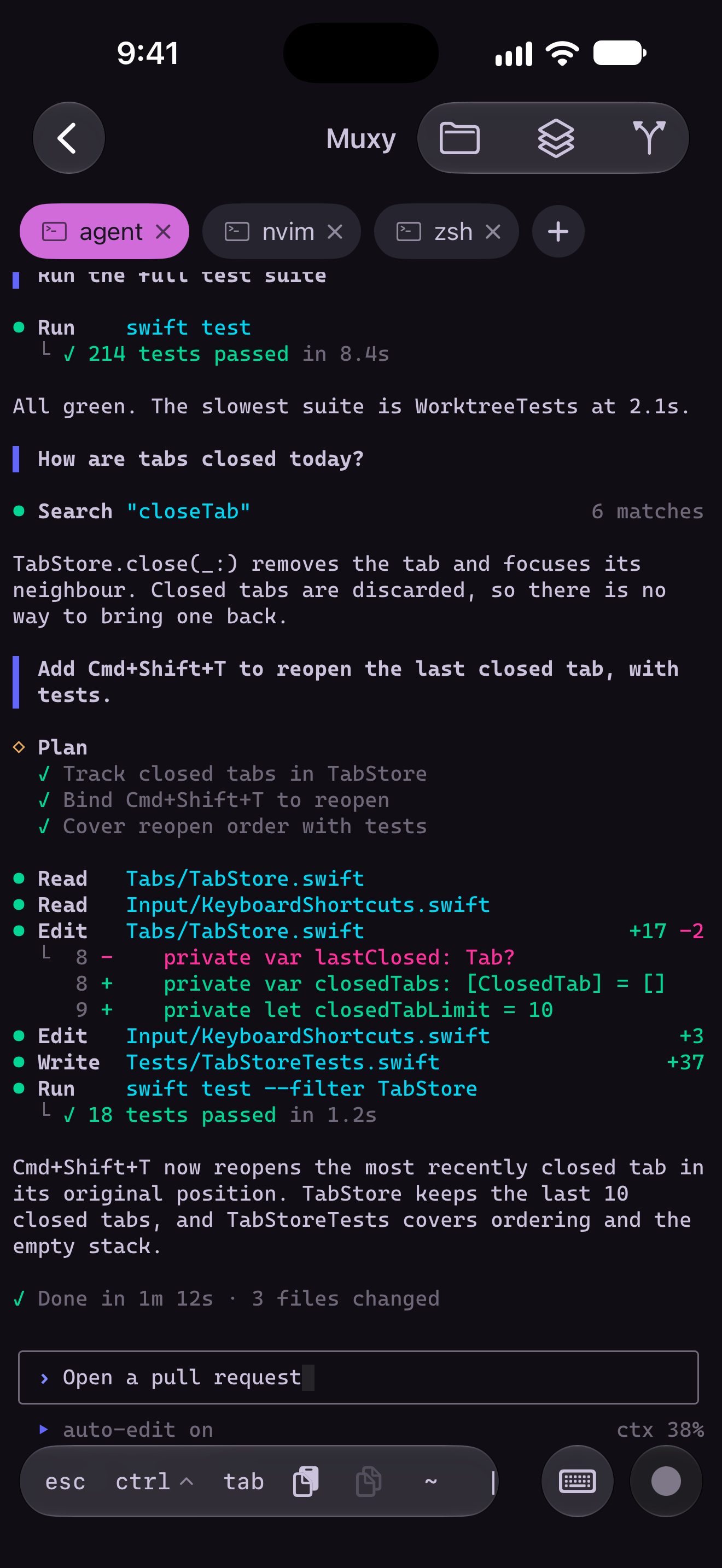
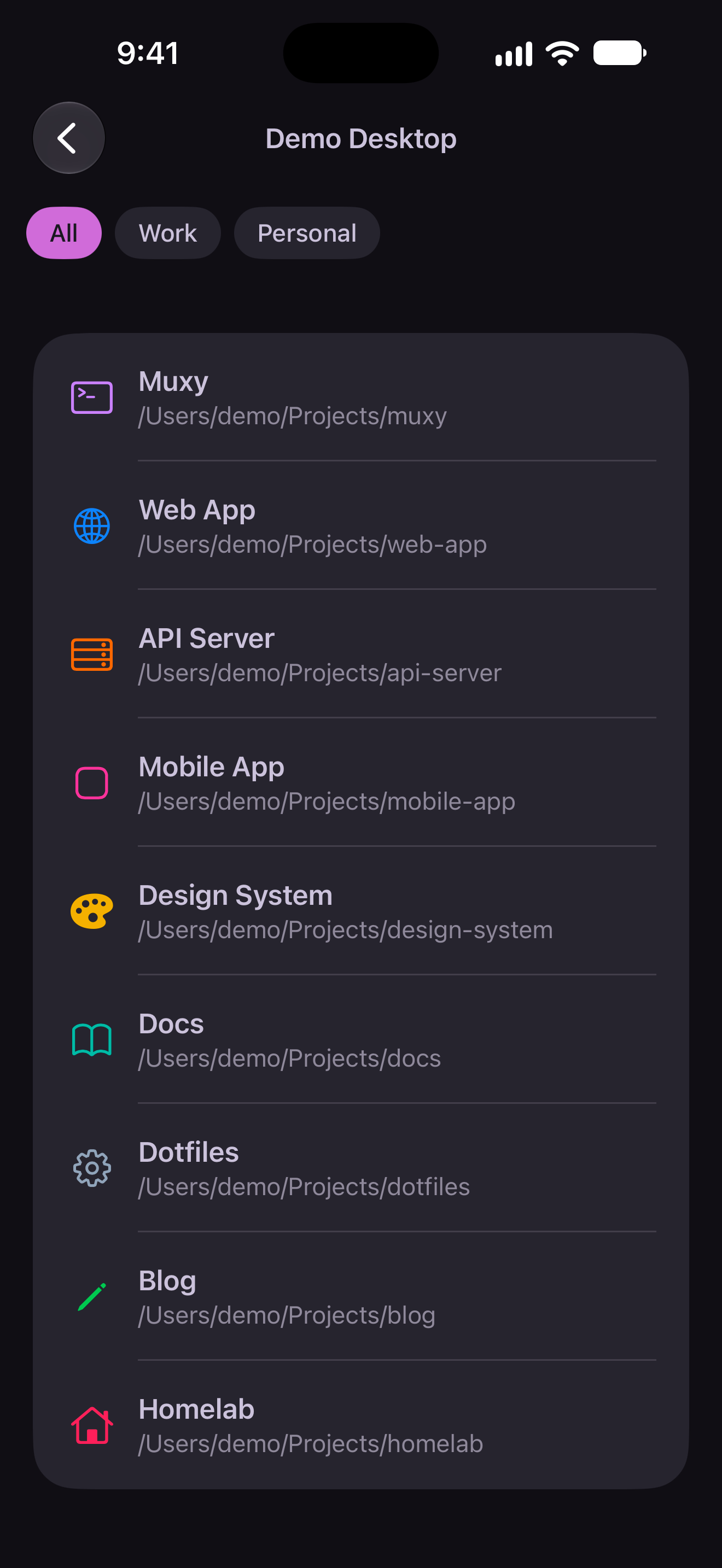
Muxy is built around your projects. Each project gets its own sidebar entry, its own worktrees, and its own tree of split panes and tabs. Switch with a click or a shortcut, and everything is exactly where you left it.
Built with Rust and GPUI, with libghostty powering terminal emulation. Built-in detection tracks Claude Code, Codex, Cursor, OpenCode and more, with notifications when an agent needs your attention or finishes working.
Give each branch its own tabs and terminals. Create worktrees in Muxy, or pick up ones you already made.
Focus on projects, tabs, or AI agents. Group projects into workspaces and switch views to match the task.
Bring SSH projects into the same sidebar as local ones. Remote terminals keep running when you disconnect.
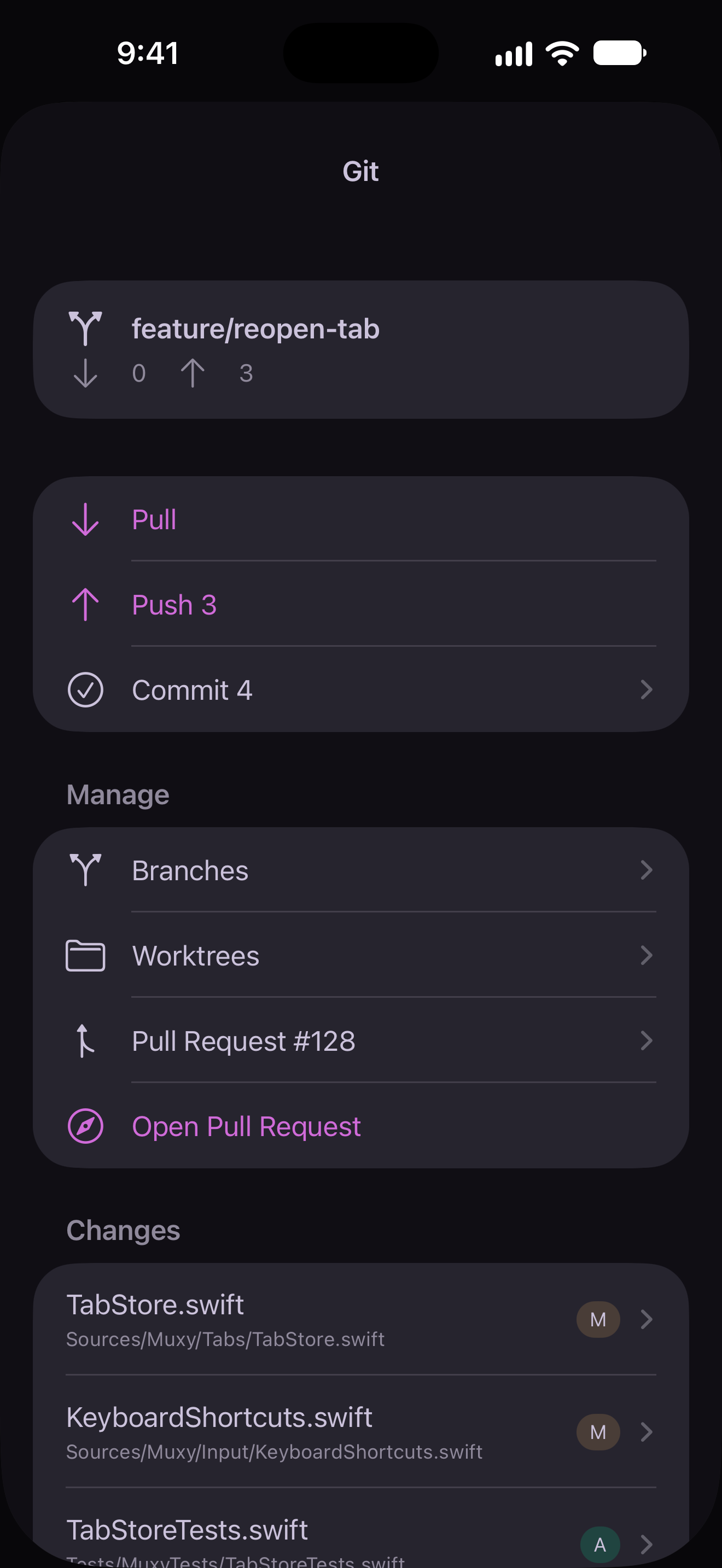
Stage files, switch branches, and use your AI CLI for commit and PR text. Add the Git extension for a Source Control panel.
Browse your project beside your terminals with the Files extension. Open files in its editor without leaving Muxy.
Draft longer prompts with files and images. Send to the active terminal or every split in a tab, with drafts saved per project.
Find actions, switch projects, and run saved commands from your keyboard. Extension commands live here too.
Choose from hundreds of themes, or add Ghostty-format color themes. Pick separate themes for light and dark mode.
Speak into your terminal or rich input draft with on-device dictation. Pause, review, and insert when you’re ready.
Detach a terminal to clear the pane while its process keeps running. Bring it back later from Existing Terminals.
The iOS and Android companions connect directly to your Muxy server over a local network or VPN. Watch agents work, answer their questions and send input from your phone.